SOFOS 360
Link employee to a process
Collapse All
Expand All
Introduction SOFOS 360
>
Basic exercises
>
Module CMR registration
> Link employee to a process
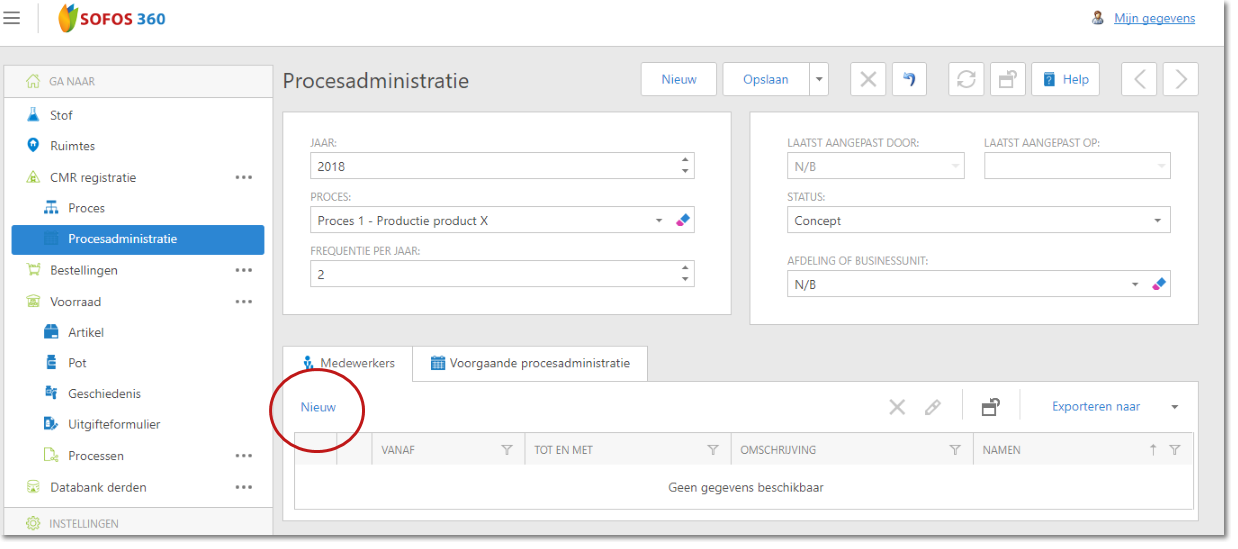
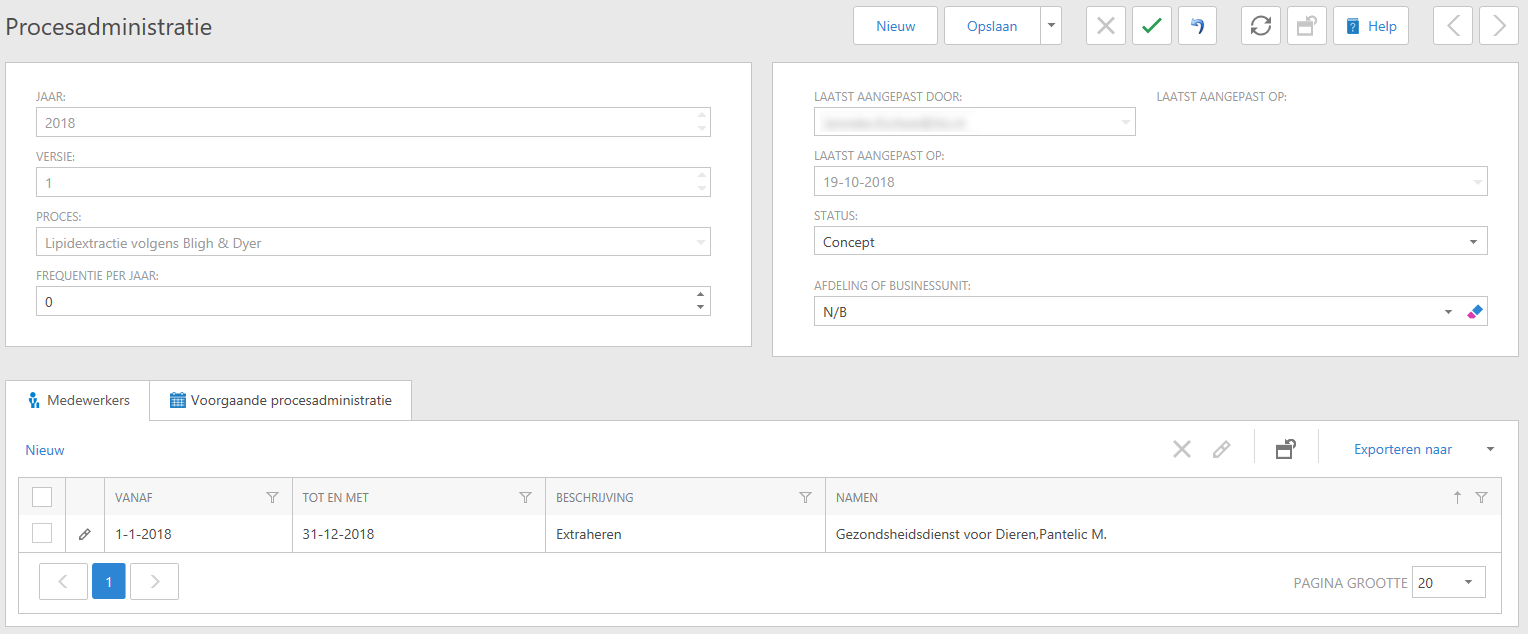
Go to the 'CMR registration' module, click 'Process administration' and click New.
First link a process to the process administration.
Enter the requested data (year, process, frequency etc).
Click the [Employees] tab and click 'New'
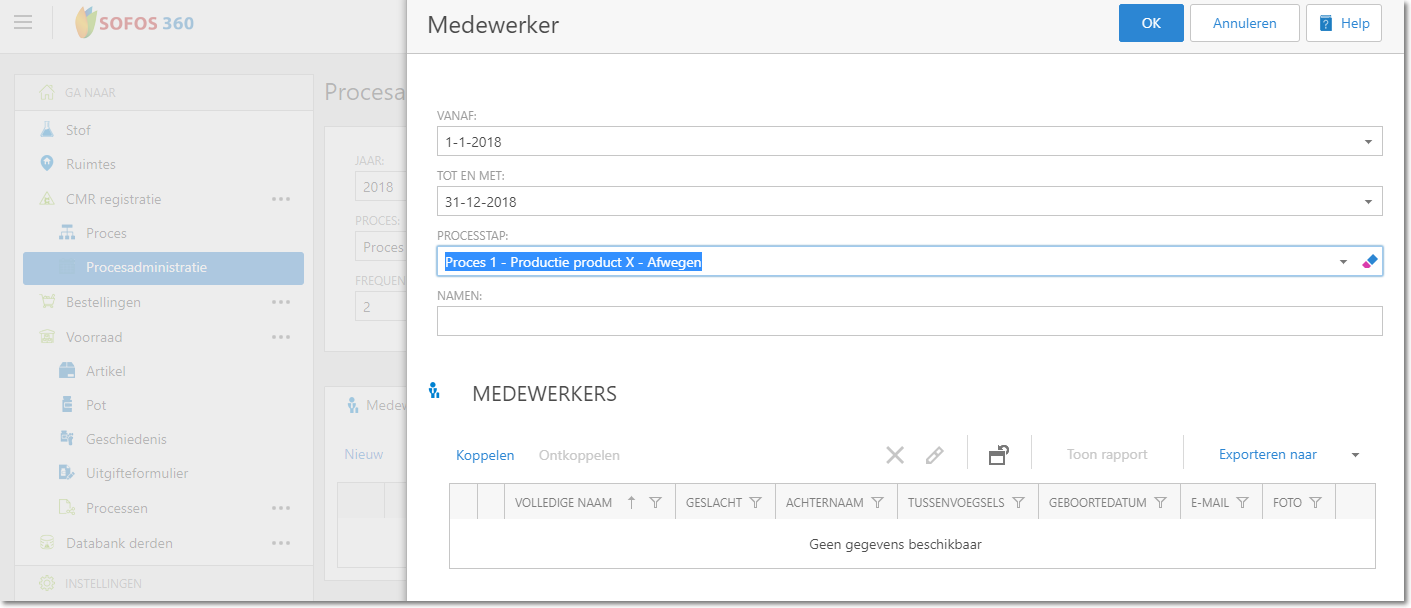
Please select the requested data here (period, select process step etc.)
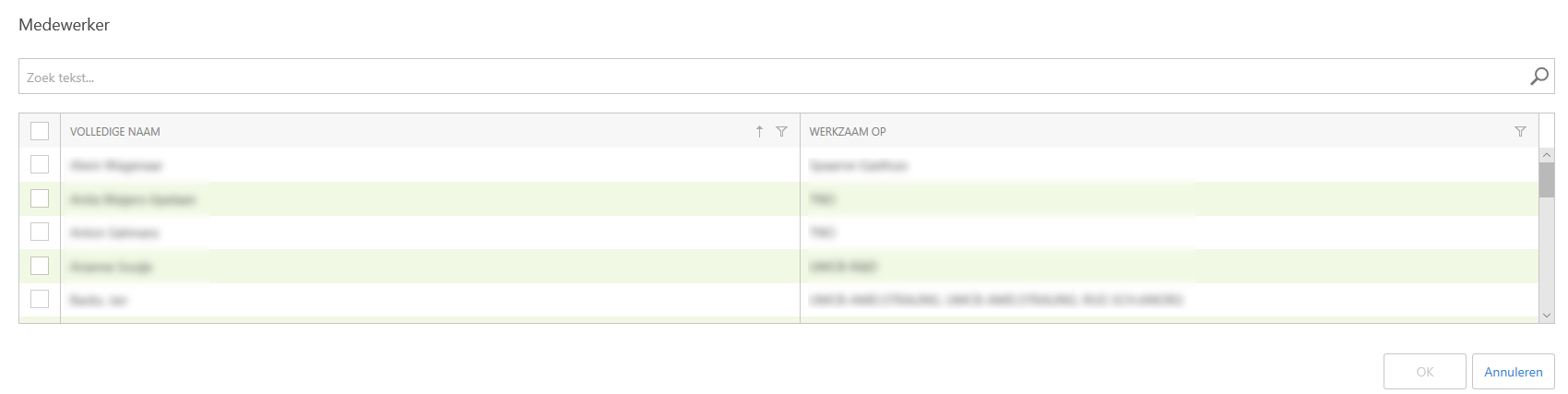
Click on 'Link' and select the required employee
Search for the required employee in the list. Confirm with 'OK'.
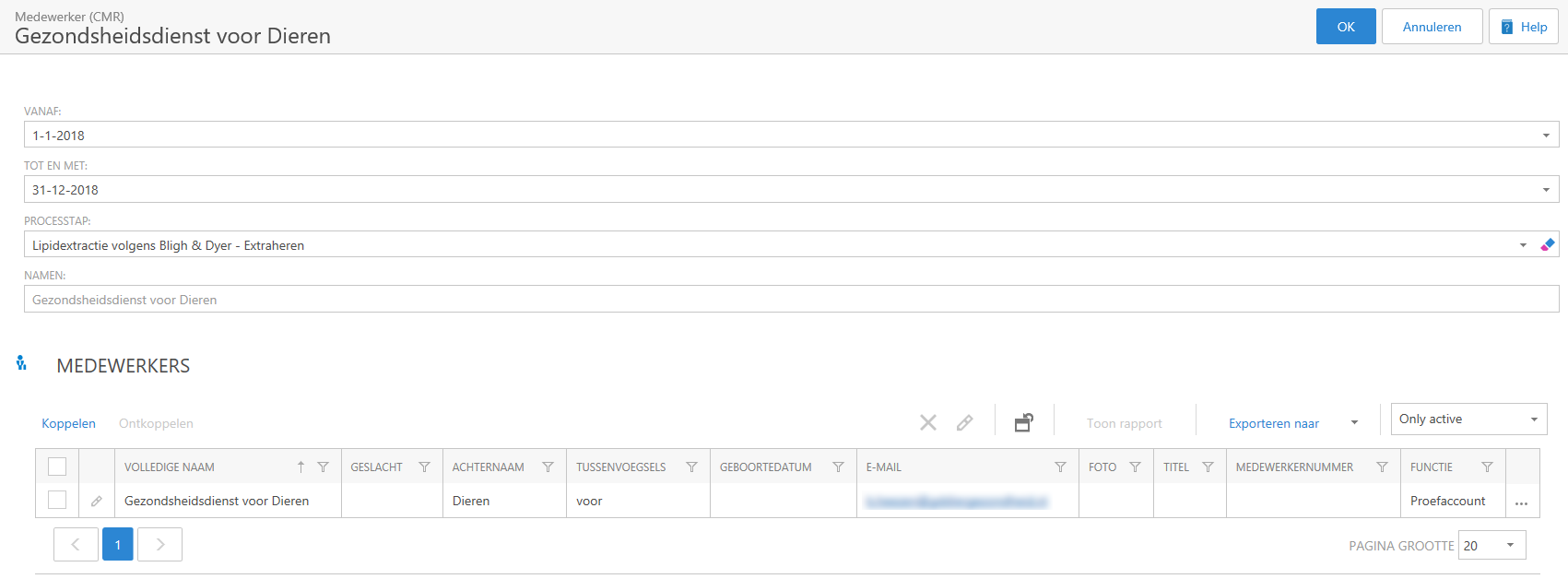
if you want to connect more employees, perform the actions again. When done, confirm the entry with 'OK'.
Confirm the linked employee with 'Save'.
Now the employee is linked to the chosen process.
See Also
Defining a new process